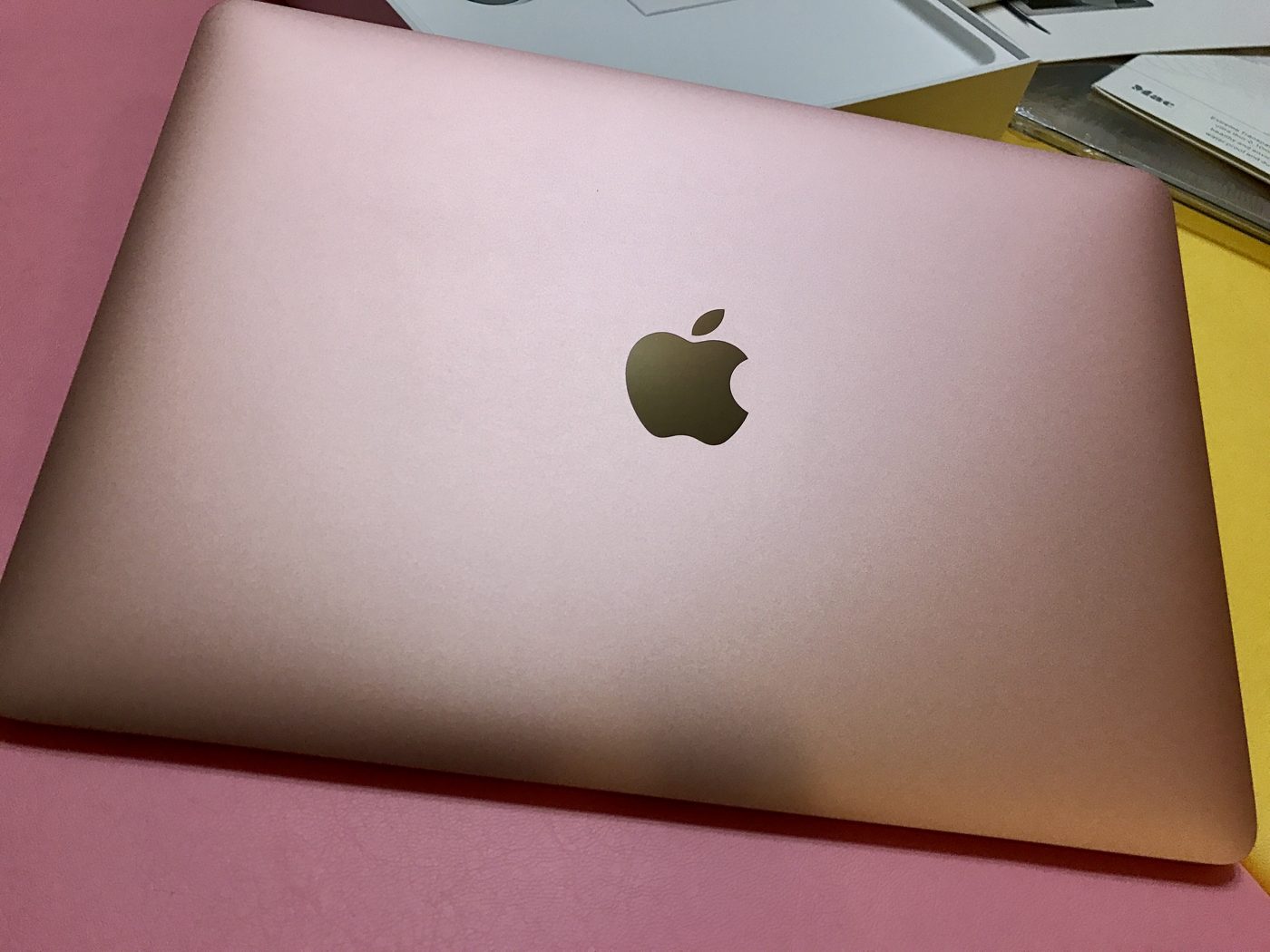
Unboxing day, January 2017.
This laptop has a story. The 12-inch MacBook was, in Apple’s words, “the thinnest and lightest Mac we have ever made”: 13.1 mm thin and just 2 pounds. The 2016 update added a new finish, rose gold, the first time Apple offered it on a Mac. I bought one in Rose Gold as a birthday gift for my wife.
Years later it was sitting unused. This week it became the most useful computer in our house: a silent Linux box that runs Claude Code around the clock, takes instructions from my phone, and sends me a chip-industry brief every weekday morning.
Why this machine
I wanted an AI agent that is always on and reachable from anywhere, not a chat window I have to open. My desktop PC isn’t on all the time and Windows updates restart it. The MacBook was a better fit: fanless, low power, and already ours. Its Core m3 and 8 GB of RAM are modest, but that doesn’t matter. The model runs in the cloud; the machine only needs to keep a terminal running.
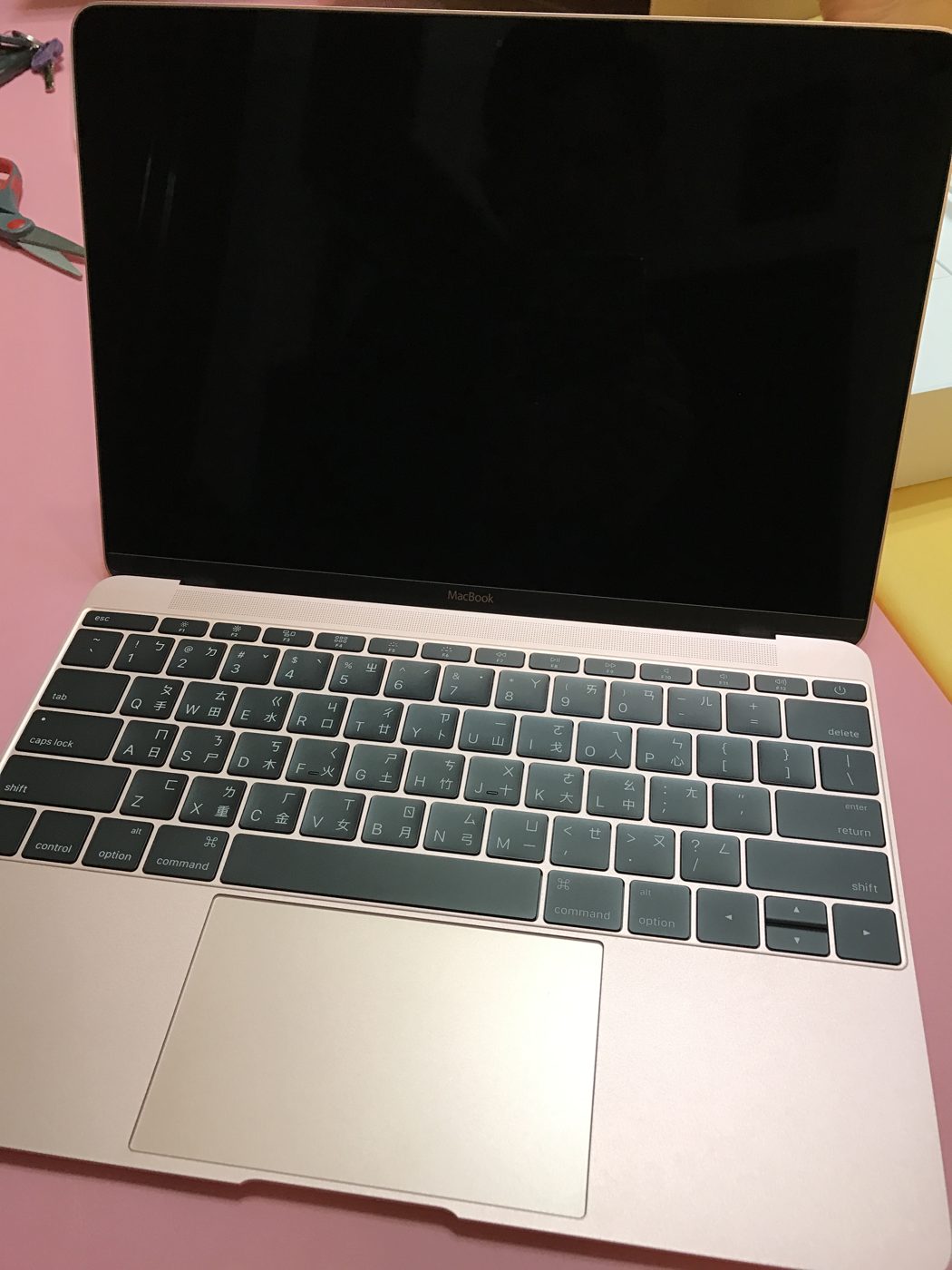
Opened for the first time in 2017. Nearly ten years later, this keyboard only answers to Enter.
Four installs to get one working
I wiped macOS and installed Ubuntu Server 24.04 LTS. It took four attempts:
- The installer text was microscopic on the 12-inch Retina screen. A larger console font fixed it.
- A “safety” boot parameter broke the install. An option meant to avoid EFI problems on Macs stopped the installer from writing boot entries. Lesson: don’t add fixes you haven’t verified on your own hardware.
- The SSD disappeared mid-install. The Apple NVMe controller dropped offline after a few minutes, a known issue with aggressive power saving. Two kernel parameters keep the drive out of deep sleep:
nvme_core.default_ps_max_latency_us=0 pcie_aspm=offThe fourth install finished cleanly. The only leftover quirk: the built-in keyboard now registers just the Enter key, which doesn’t matter because I never type on it.
How it works
Claude Code runs as a background service in remote-control mode and restarts itself after a crash or reboot. I open the Claude app on my phone, pick the MacBook, and give it work. It works over 4G too. Nothing is exposed to the internet; SSH stays on my home network.
Every day it handles two jobs:
- A morning news brief. Right now it covers the semiconductor industry. Next I’m adding sports: the NBA, MLB, Taiwan’s CPBL, and F1. Outside of work, those are what I actually follow every day. A script collects news from RSS feeds, Claude summarizes it, and the highlights arrive on my phone via Telegram at 7:30 a.m. The summarizer runs with all tools disabled, so untrusted news text can’t trick it into running commands.
- A health check every five minutes. A plain shell script watches power, the SSD, disk, temperature, and the agent service, and pings me if something looks wrong. With a ten-year-old battery, I’d rather hear about power problems early.
The agent is kept on a short leash: the Telegram bot can only send, not receive commands; Claude Code is blocked from reading keys and credentials (tested before trusting it).
As for email and calendar, I’m not ready to let AI into my personal accounts yet. I may set up a separate account and let it try things there first.
What I learned
Old hardware is fine for agents. With two sessions open, it uses about 750 MB of RAM and sits around 33°C.
Most of the work is debugging. The failed installs and the vanishing SSD took far longer than the setup itself. Writing down each failure and its cause is what made attempt four succeed.
I had help. Claude Code on my desktop planned the install, wrote the setup scripts, and walked me through each step while I sent photos of the MacBook’s screen. That’s how I approach AI in general: try it on my own work first, keep what holds up, then bring it to my team.
Not bad for a gift that was gathering dust.